

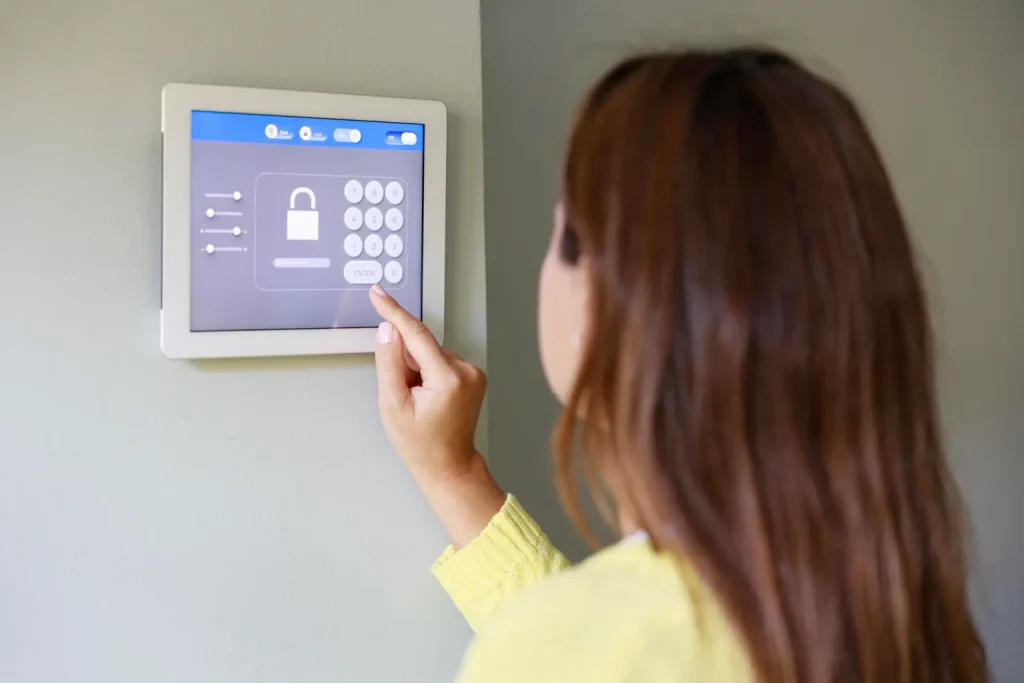
Problems involving smart-home security systems that depend on cameras, sensors, locks, apps, accounts, and the home network are easier to solve when each control layer is tested separately. Security is weakened when one shared password, an outdated router, unused guest access, or an unpatched device becomes the common path into several connected systems. The safest setup reduces unnecessary access and keeps ownership clear. Before replacing equipment, confirm what still works locally and what fails only through remote control or automation. General broader home-security reading can add perspective while official device guidance remains the source for product-specific actions.
Where to Get Help With Smart-Home Security
For U.S. households, the most useful support source depends on which layer owns the failure. The security provider should handle monitored-system behavior and account controls; device makers should handle individual cameras or sensors; network support is appropriate when several security devices drop or the router configuration is outdated. The five options below are real providers or platforms with relevant smart-home products, setup tools, or support paths; they are not presented as a universal ranking.
1. ADT
ADT is relevant here. ADT combines monitored security with connected devices such as smart locks, Google Nest thermostats, lights, plugs, sensors, and cameras. The ADT+ environment can coordinate security and automation functions, so troubleshooting often involves both the device and the account or automation layer. Test its native controls before linked routines or assistants.
2. Ring
Ring supports video doorbells, security cameras, Ring Alarm sensors, smart lighting, app configuration, setup, and Wi-Fi troubleshooting. Its support path is most useful when alerts, live view, motion zones, or account-linked security devices are involved. When smart-home security systems that depend on cameras, sensors, locks, apps, accounts, and the home network, avoid broad resets until you know whether this layer is actually failing.
3. Arlo
Arlo owns part of the control chain. Arlo provides connected security cameras, video doorbells, and a home security system with sensors. Its ecosystem is relevant to camera placement, motion detection, app alerts, wireless connectivity, and security-device configuration. That helps separate device, platform, and network faults.
4. Google Home / Nest
Google Home brings compatible devices, automations, cameras, doorbells, speakers, and thermostats into one control environment. Nest hardware and the Google Home app are especially relevant when a problem involves routines, device status, notifications, or account-linked controls. For smart-home security systems that depend on cameras, sensors, locks, apps, accounts, and the home network, confirm the native device path before changing a second platform.
5. OnTech Smart Services
OnTech Smart Services offers professional setup for a range of connected-home equipment, including smart lighting, cameras, doorbells, locks, voice assistants, speakers, routers, mesh Wi-Fi, and thermostats. Its service model includes installation, configuration, and user guidance. With smart-home security systems that depend on cameras, sensors, locks, apps, accounts, and the home network, use this option when the failure touches features it directly controls.
What Should You Secure Before Adding More Devices?
Use unique passwords, enable stronger sign-in protection where available, review shared users, update device and router software, and remove old accounts or devices. Keep security cameras and locks on supported network settings rather than weakening encryption to accommodate legacy hardware. When using additional network-security context, keep the exact model and software version in mind because setup steps can differ between generations.
The security provider should handle monitored-system behavior and account controls; device makers should handle individual cameras or sensors; network support is appropriate when several security devices drop or the router configuration is outdated. A simple test order—physical operation, native app, hub or network, then third-party automation—usually reveals where responsibility changes from one provider to another.
Frequently Asked Questions
Should smart-home devices use the same password as my email account?
No. Reusing passwords increases the impact of one compromised account. Use unique credentials and a password manager if needed, and turn on the account’s supported multi-step sign-in protection.
Is a separate guest or IoT network useful for smart-home security?
It can help isolate device traffic when the router supports it correctly, but compatibility with hubs and local control must be considered. Follow router and device guidance rather than creating segmentation that breaks essential communication.
How often should I review smart-home account access?
Review access after household changes, installer visits, device replacements, or whenever you have shared temporary permissions. Periodic checks also help remove old phones, users, or integrations that no longer need access.
Build Security Around Accounts and Networks
Smart-home security is strongest when accounts, networks, devices, and household permissions are maintained together. A strong password matters, but so do updates, user reviews, and removing access that no longer serves a purpose. Use additional smart-security reading for additional context, then keep the finished setup documented so the next failure is easier to trace.
